

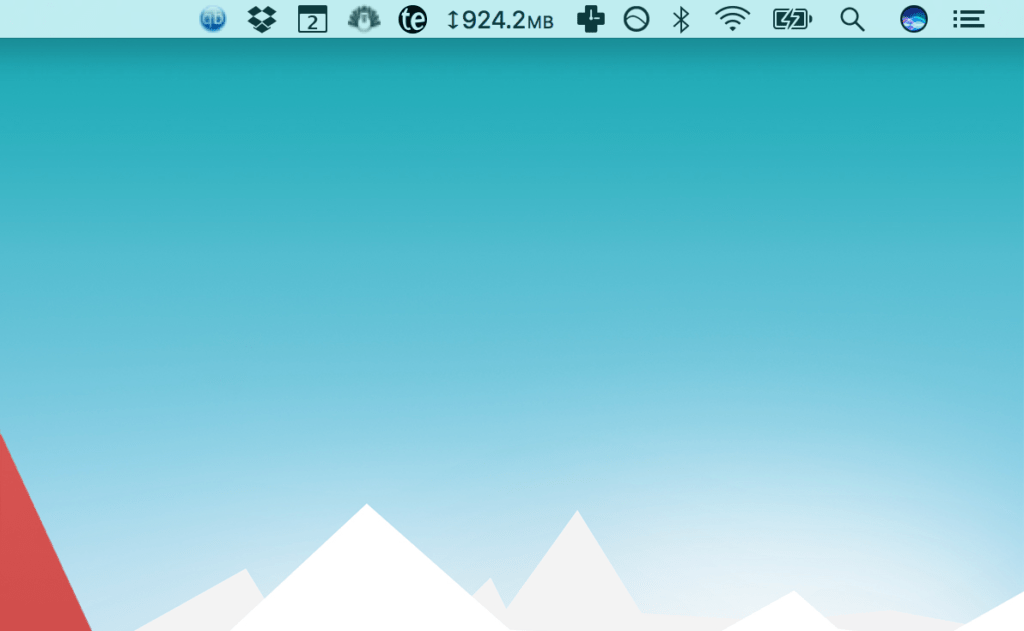
After I gave a talk a few weeks back, I closed the slideshow and someone in the audience noticed I had the clock disabled on my computer. I had removed the time so long ago that I had almost forgotten why I shut it off in the first place. Not working with the time in front of me was simply part of my daily workflow.
The more I’ve thought about it since, the more I’ve realized I really don’t work with an awareness of the time. While I get calendar notifications in advance of meetings and calls, I’ve disabled the clock on my computer, don’t wear a watch, and don’t have the time displayed in my office.
While a simple, almost ridiculously small change like this one sounds like it doesn’t warrant a whole blog article, I think it’s worth mentioning. Even though disabling the time on your computer may sound like a stupid hack, the simple change has made a difference in how I work.
At once, the change has let me:
- Work around how much energy I have, rather than what time it is. When it comes to our productivity, energy is more important than time. Not seeing the time throughout the day reminds me to focus more on my body and reflect on how much energy I have. That helps me figure out whether I need a break or a cup of tea, or whether I have more energy than usual and should work on a task that’s more important and consequential. While our energy fluctuates quite a bit throughout the day—which can significantly affect our productivity—time ticks on at a consistent clip, just as it always has.
- Keep important commitments in my calendar. Since most of the day I have no clue what time it is, I don’t have the luxury of keeping commitments in my head. I have no choice but to become more organized and store them in my calendar.
- Review my calendar more often. My calendar app is the only place I can check the time when I’m in front of the computer. This lets me also see what other commitments I have coming up that day and week.
Shutting off the clock on your computer sounds like a stupid hack on the surface, but in practice, it serves as a nice little nudge to work around how much energy you have throughout the day, and to become more organized.